Permission Granted: How Attackers Turn OAuth Against You
Attackers don't need your password: consent phishing, device code abuse, and stolen OAuth tokens bypass MFA. How these attacks work and how to stop them.
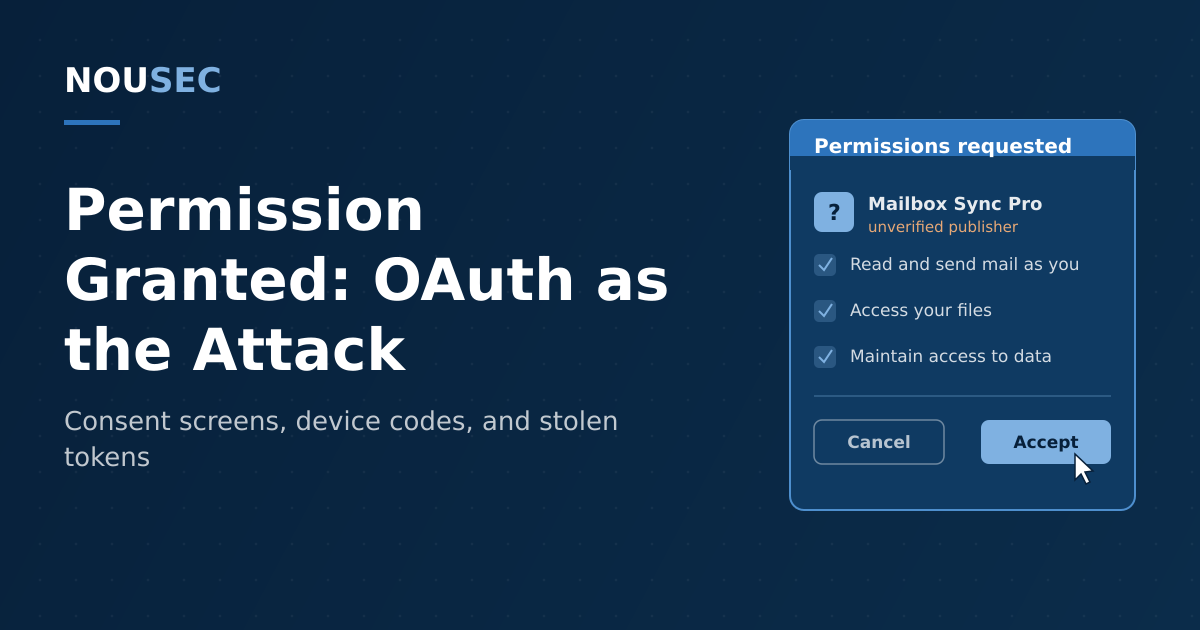
Twenty years of security awareness training taught employees to protect one thing: the password. Attackers listened — and routed around it. The fastest-growing cloud attacks of the past two years do not steal credentials at all. They ask for permission, politely, on a login page that is entirely genuine, and walk away with an OAuth token that works long after the password is rotated and the MFA prompt is satisfied.
The numbers are not theoretical. In August 2025, a single actor used OAuth tokens stolen from one chat integration to reach the Salesforce instances of more than 700 organizations — including security vendors — without phishing a single password. Earlier that year, Proofpoint tracked a campaign of fake Microsoft OAuth apps that fed roughly 3,000 compromised accounts across more than 900 Microsoft 365 environments, with a success rate above 50%. And with the Verizon 2026 DBIR attributing 62% of breaches to the human element, the consent screen has quietly become one of the most consequential clicks an employee can make.
This guide explains how OAuth abuse works, why it defeats the habits your training program has spent years building, and what a layered defense looks like.
Why a token beats a password
OAuth exists so that applications can act on your behalf without holding your password: you approve a scoped grant on your identity provider's consent screen, and the app receives tokens it can present to APIs. Three properties make that machinery attractive to attackers.
The attack happens on a real page. The consent dialog, the device code prompt, the certificate, the login.microsoftonline.com URL — all genuine. Every "check before you click" habit reports that nothing is wrong.
Tokens survive your incident response. A refresh token keeps working after a password reset, and it carries the MFA claim from the original sign-in. Unless tokens are explicitly revoked, the attacker's access outlives the remediation steps most organizations reach for first.
Granted apps are invisible in daily use. A malicious app with mailbox permissions sits quietly in a tenant's enterprise application list — a place most users have never seen and many admins rarely audit. There is no suspicious process on an endpoint for EDR to flag; the "malware" is an entry in your identity provider.
The four flavors of OAuth abuse
| Variant | What the victim does | What the attacker gets |
|---|---|---|
| Consent grant | Clicks "Accept" on a real permissions dialog | Durable, scoped API access via their own app |
| App impersonation → AiTM | Trusts a fake app screen, then "re-authenticates" | Credentials plus the post-MFA session token |
| Device code abuse | Enters the attacker's code on the real login page | Access and refresh tokens issued to the attacker |
| Integration token theft | Nothing — a vendor is breached | Every tenant's tokens, through one supplier |
1. The classic consent grant
Consent phishing is the template: a lure (a shared document, a voicemail notification, a calendar add-in) leads to a genuine consent screen for an attacker-controlled app requesting mail, file, or offline access. One Accept creates persistence that survives password changes — which is why Microsoft maintains a dedicated remediation procedure for illicit consent grants rather than treating it as ordinary account compromise.
2. The fake app as an on-ramp
The 2025 campaigns documented by Proofpoint added a twist: the OAuth app itself is bait. Attackers registered apps impersonating RingCentral, SharePoint, Adobe, and DocuSign — more than 50 impersonated applications across email campaigns. Whether the victim clicked Accept or Cancel, the flow redirected through a CAPTCHA to a counterfeit login page running the Tycoon phishing kit, which captured credentials and the post-MFA session cookie via adversary-in-the-middle proxying. The consent screen's job was simply to look routine enough to keep the victim moving.
3. Device code abuse
In device code phishing, the attacker generates a legitimate sign-in code for the OAuth flow designed for smart TVs and conference hardware, then persuades the target to enter it — typically inside a convincing pretext. Microsoft's analysis of Storm-2372, active since August 2024 against government, NGO, IT, defense, telecom, health, and energy targets, describes fake Teams meeting invitations and rapport-building over WhatsApp and Signal, timed so the victim enters the 15-minute code while it is still valid. Once authenticated, the actor used Microsoft Graph to search captured mailboxes for keywords like password, admin, credentials, and ministry — then used the same access to phish laterally inside the organization.
4. The supply chain of tokens
The Salesloft Drift incident showed what happens when attackers skip the end user entirely and steal tokens at the integration vendor. Between August 8 and 18, 2025, the actor Google tracks as UNC6395 used OAuth tokens taken from the Drift chat integration to query the Salesforce instances of Drift-linked customers, hunting specifically for AWS access keys, Snowflake tokens, and passwords stored in support cases. As one Google researcher put it, a single stolen token let the actor reach "tokens for any Drift linked organization." Your users granted that access months earlier, legitimately, to a tool the business genuinely used — the breach inherited the trust.
The same logic applies inside your own tenant. When Midnight Blizzard breached Microsoft in early 2024, the initial foothold was a password spray against a legacy test account without MFA — but the lasting access came from a legacy OAuth app with elevated permissions, which the actor used to mint further apps granted full_access_as_app over Exchange Online mailboxes. Forgotten grants are standing privilege, waiting for an owner.
The login page is real, the certificate is valid, and the URL says microsoft.com. Every habit we train users to rely on reports that nothing is wrong — because the attack does not start until after authentication succeeds.
Why "check the URL" training fails here
Traditional anti-phishing training is built on forgery detection: spot the lookalike domain, the off-brand login page, the mismatched sender. OAuth abuse presents none of those tells. The decision the user actually faces is an authorization question — should this application have these permissions? — and almost no awareness program teaches employees to read a permissions list, recognize that "read and send mail as you" is a serious grant, or treat an unexpected device code prompt as an alarm.
That gap is measurable human risk, and it concentrates in predictable places: executive assistants who approve calendar tooling, sales teams who live in integration-heavy CRMs, developers who authorize CLI flows daily. Folding consent-screen scenarios into your simulation program, and tracking who grants what, gives a human risk score real signal that a password-centric program misses.
How to defend: a practical checklist
1. Restrict who can consent. In Entra ID and Google Workspace, limit user consent to low-risk permissions from verified publishers and route everything else through an admin consent workflow. This single control converts most consent phishing into a request sitting in an approval queue.
2. Audit the grants you already have. Inventory enterprise applications, flag mailbox-wide scopes (full_access_as_app, Mail.ReadWrite, offline access), unverified publishers, and apps nobody can name an owner for. Microsoft's illicit-consent-grant playbook includes scripts to enumerate grants tenant-wide. Remove ruthlessly; the Midnight Blizzard lesson is that a test app from 2019 is an attack surface in 2026.
3. Block the device code flow. Few organizations need it. A Conditional Access policy restricting device code authentication to the handful of accounts that genuinely use conference hardware removes the Storm-2372 playbook almost entirely.
4. Deploy phishing-resistant MFA — for what it actually covers. Phishing-resistant MFA defeats the AiTM kits behind app-impersonation campaigns because the credential cannot be replayed from a proxy domain. Be clear-eyed that it does not stop a consent grant; pair it with the policy controls above rather than treating it as complete.
5. Treat integrations as vendors. Every OAuth connection between SaaS platforms is third-party access with your data on the other end. Put marketplace apps through the same review as any supplier, prefer integrations supporting IP restrictions and short token lifetimes, and keep an offboarding path — the questions we cover in our guide to third-party and vendor human risk.
6. Train the consent decision itself. Show employees a real consent screen in training and simulations. The reflex to build is simple: an app you did not seek out, asking for mail or file access — or any unprompted request to enter a code — is a stop-and-report moment, not a judgment call. Teams already conditioned to report MFA fatigue attacks adapt to this quickly; it is the same "unexpected authentication event" instinct pointed at a new screen.
7. Monitor for the aftermath. Alert on new app registrations and consent grants, spikes in Graph or EWS activity from a single app, and mail-forwarding rules created shortly after a grant. Revoke refresh tokens — not just passwords — when responding to any suspected compromise.
OAuth is not the villain here; it is the reason your users are not typing passwords into forty SaaS tools a day. But every delegation system concentrates trust, and attackers have learned that the cheapest way into a modern tenant is to be handed the keys on a page nobody was trained to distrust. Close the policy gaps, audit the grants, and teach the one reflex that matters: permission is a security decision.
Frequently asked questions
What is consent phishing?
Consent phishing (also called an illicit consent grant attack) tricks a user into authorizing a malicious application through a legitimate OAuth permissions screen. Instead of stealing a password, the attacker gets the victim to click Accept on a real Microsoft 365 or Google Workspace consent dialog, granting the attacker's app durable API access to mail, files, and contacts. Because the victim authenticates on the genuine identity provider, no credential is stolen and MFA never blocks the attack.
Does MFA stop OAuth-based attacks?
Mostly no. In a consent grant or device code attack, the victim completes MFA legitimately — the attacker receives an authorized token afterward, so the MFA check passes and the theft happens downstream of it. Phishing-resistant MFA (FIDO2 keys and passkeys) does defeat the adversary-in-the-middle kits that often follow a fake consent screen, because the credential is bound to the real domain. But no MFA method prevents a user from granting permissions to a malicious app, which is why consent policy and app governance matter as much as authentication strength.
What is device code phishing?
Device code phishing abuses the OAuth login flow built for input-constrained devices like smart TVs. The attacker generates a real device code and persuades the target — often via a fake Teams meeting invite — to enter it on the provider's genuine sign-in page within its validity window. When the victim authenticates, the identity provider issues access and refresh tokens to the attacker's session. Microsoft attributed a sustained campaign of this type, active since August 2024, to the actor Storm-2372.
How do I find and remove malicious OAuth apps in Microsoft 365?
Start in Entra ID under Enterprise Applications: review every app's permissions, flagging mailbox-wide scopes such as full_access_as_app, apps with unverified publishers, and grants dated near a suspicious sign-in. Microsoft publishes a dedicated procedure for detecting and remediating illicit consent grants, including PowerShell inventory scripts. Remove unneeded apps, revoke refresh tokens for affected users, then restrict future user consent to low-risk permissions from verified publishers so the same grant cannot silently reappear.
NOUSEC simulates attacks across 8 channels and turns the results into one number your board can read.
Book a demo